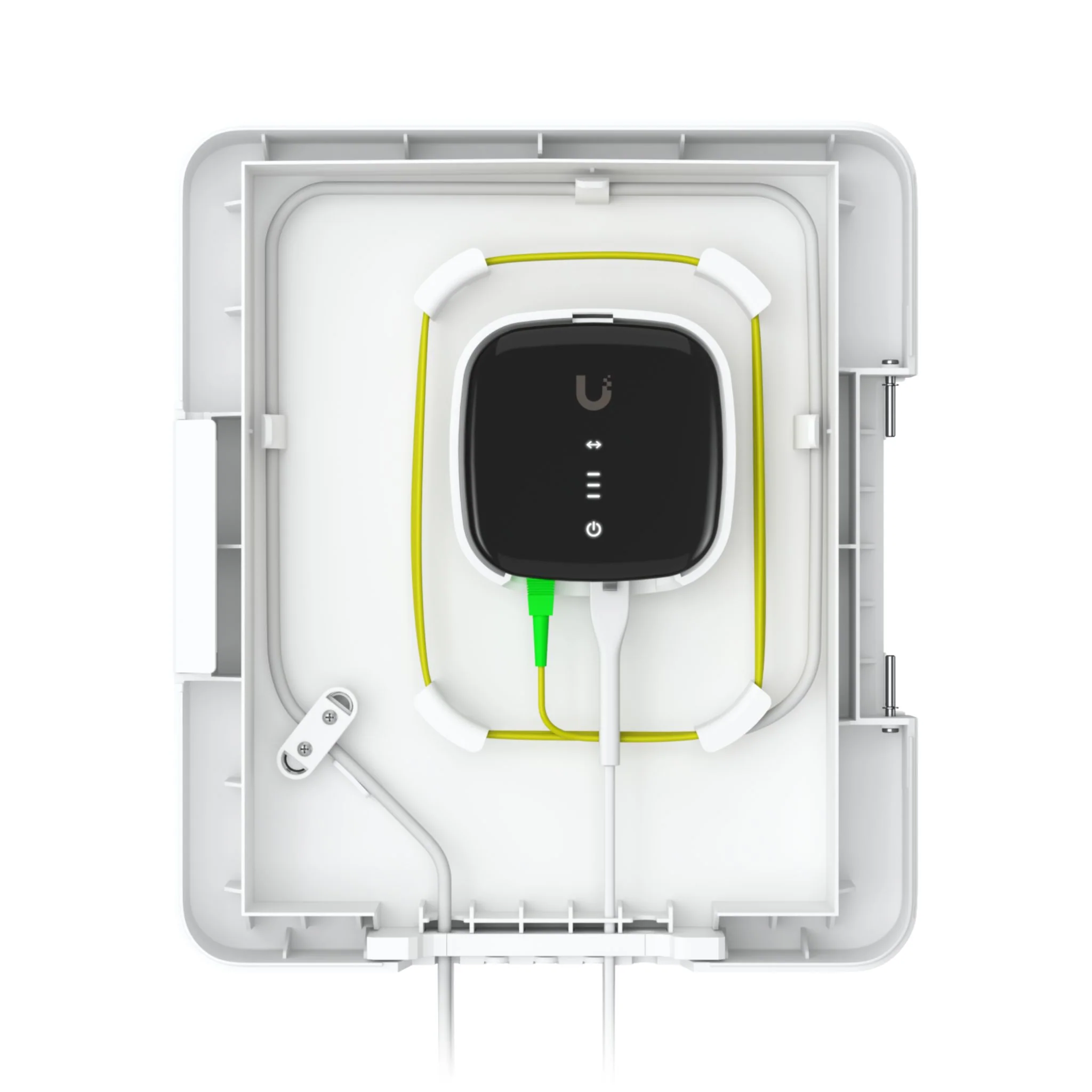

Ubiquiti UniFi Display Surface Mount
UniFi Display Surface Mount – Secure Wall Mount for UniFi Connect Display
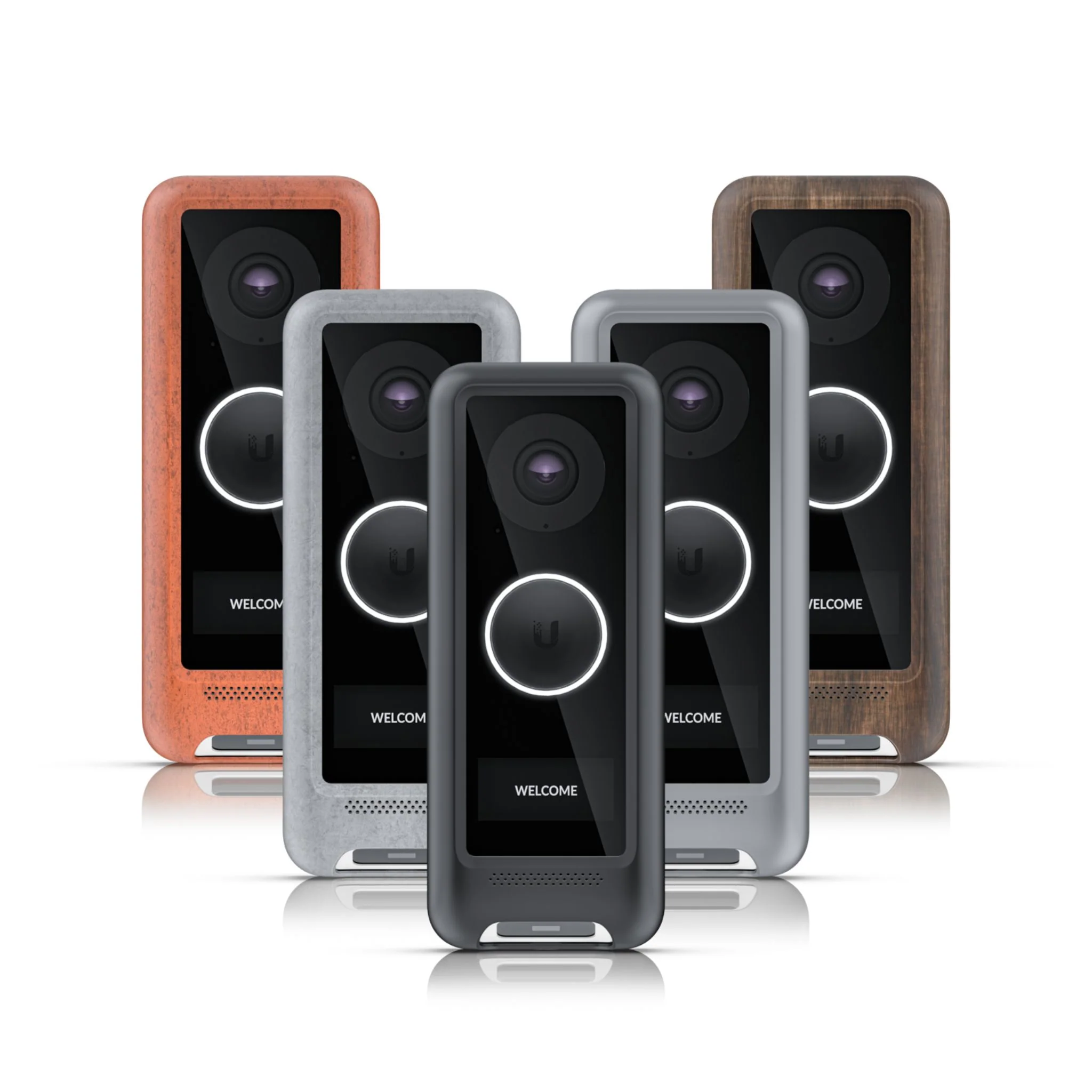
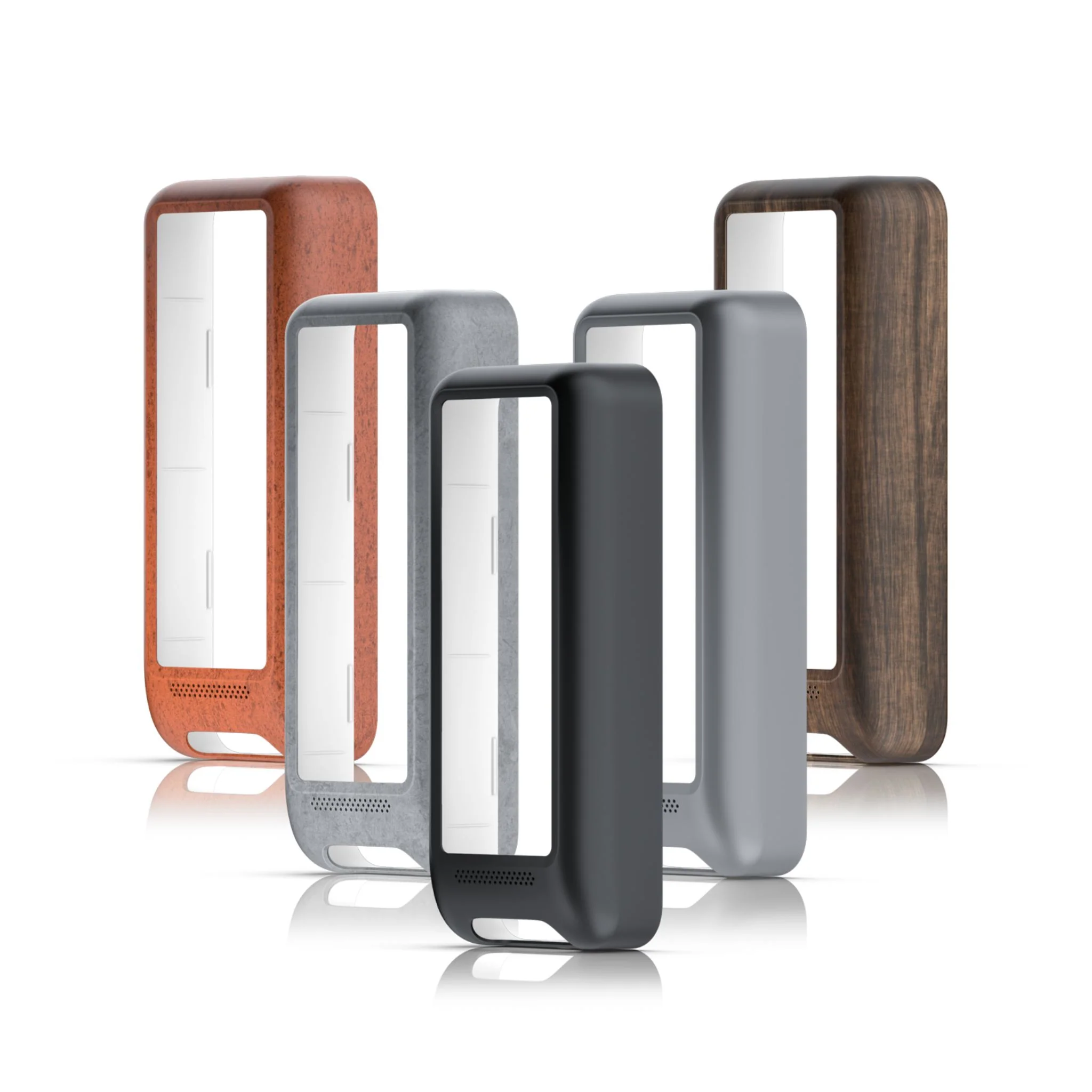
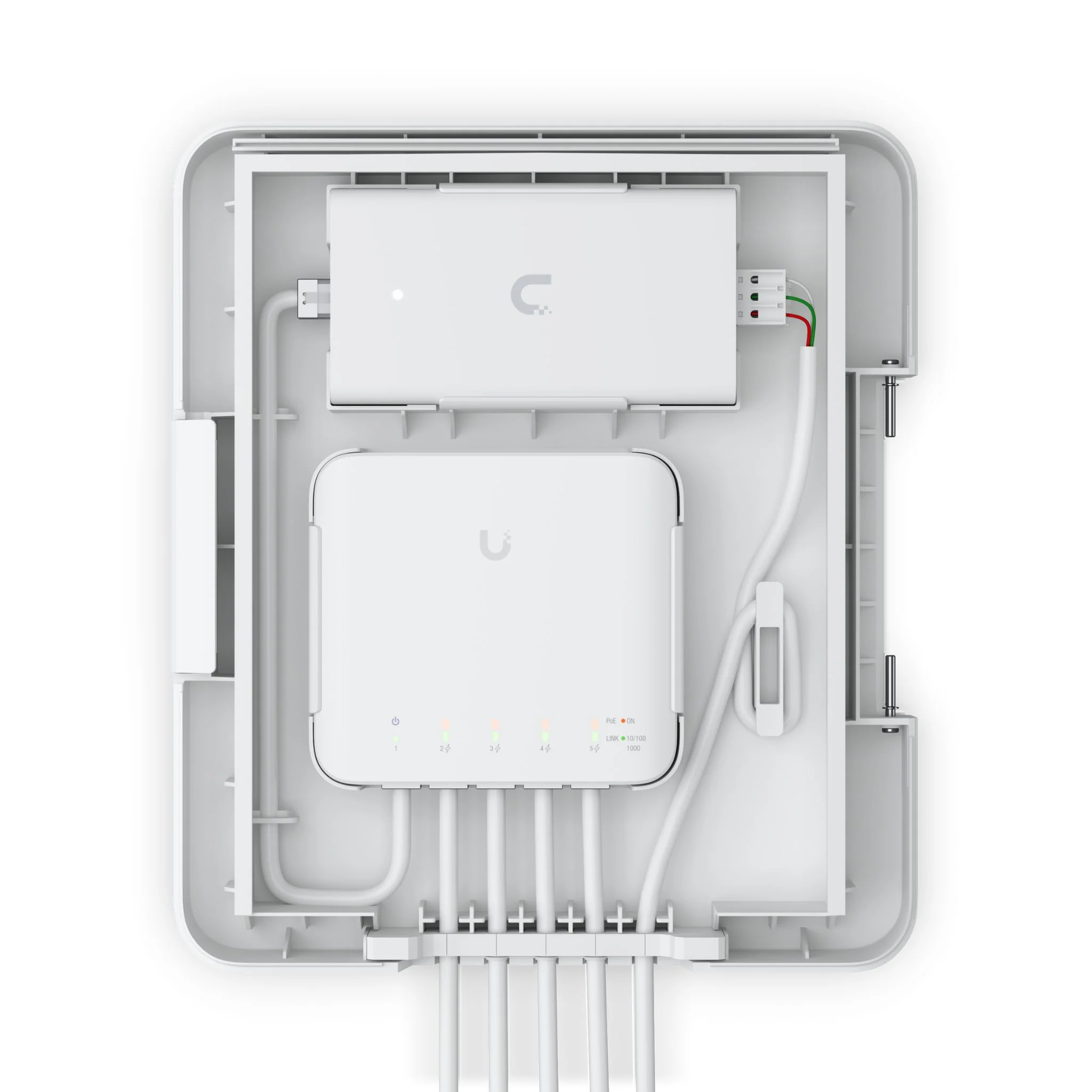
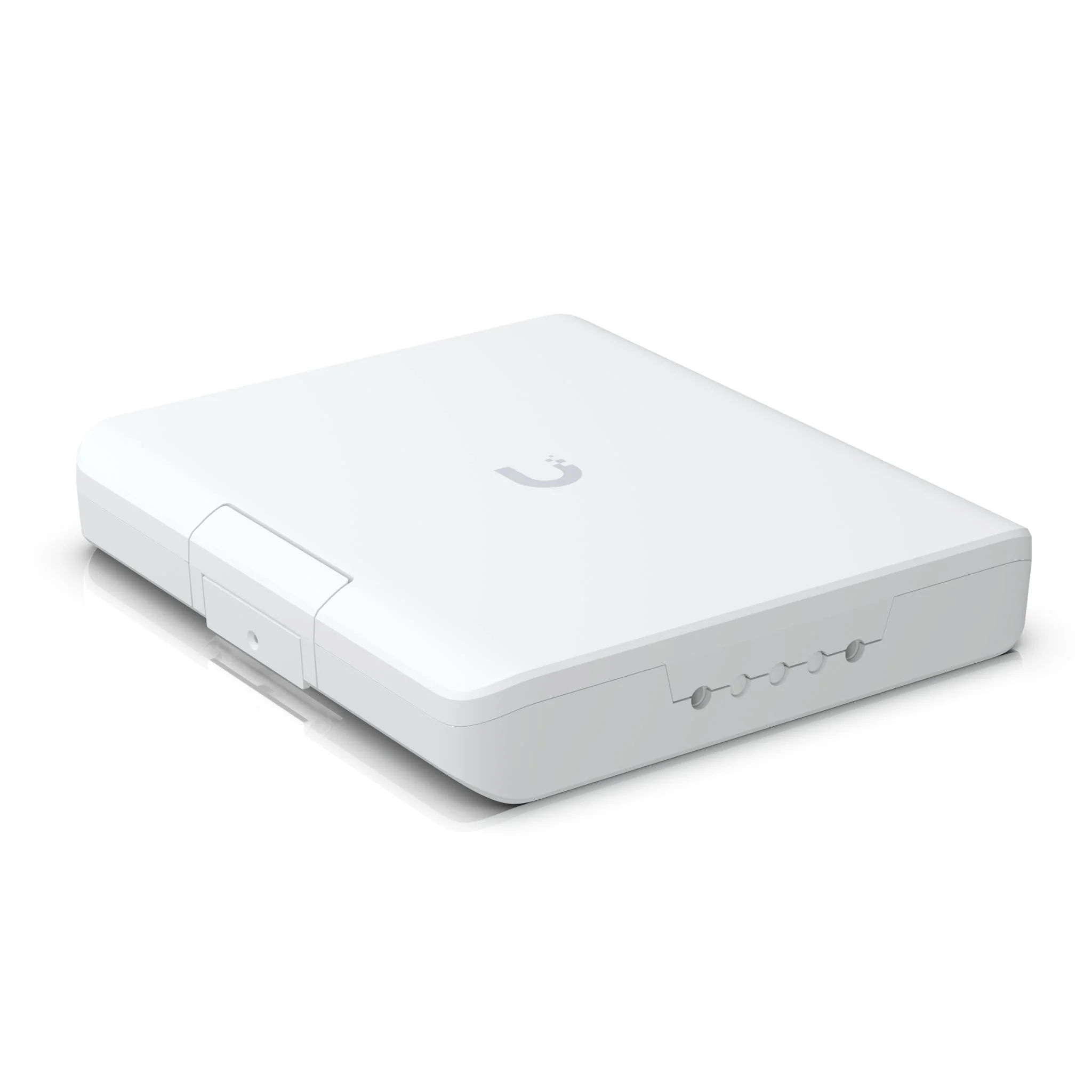
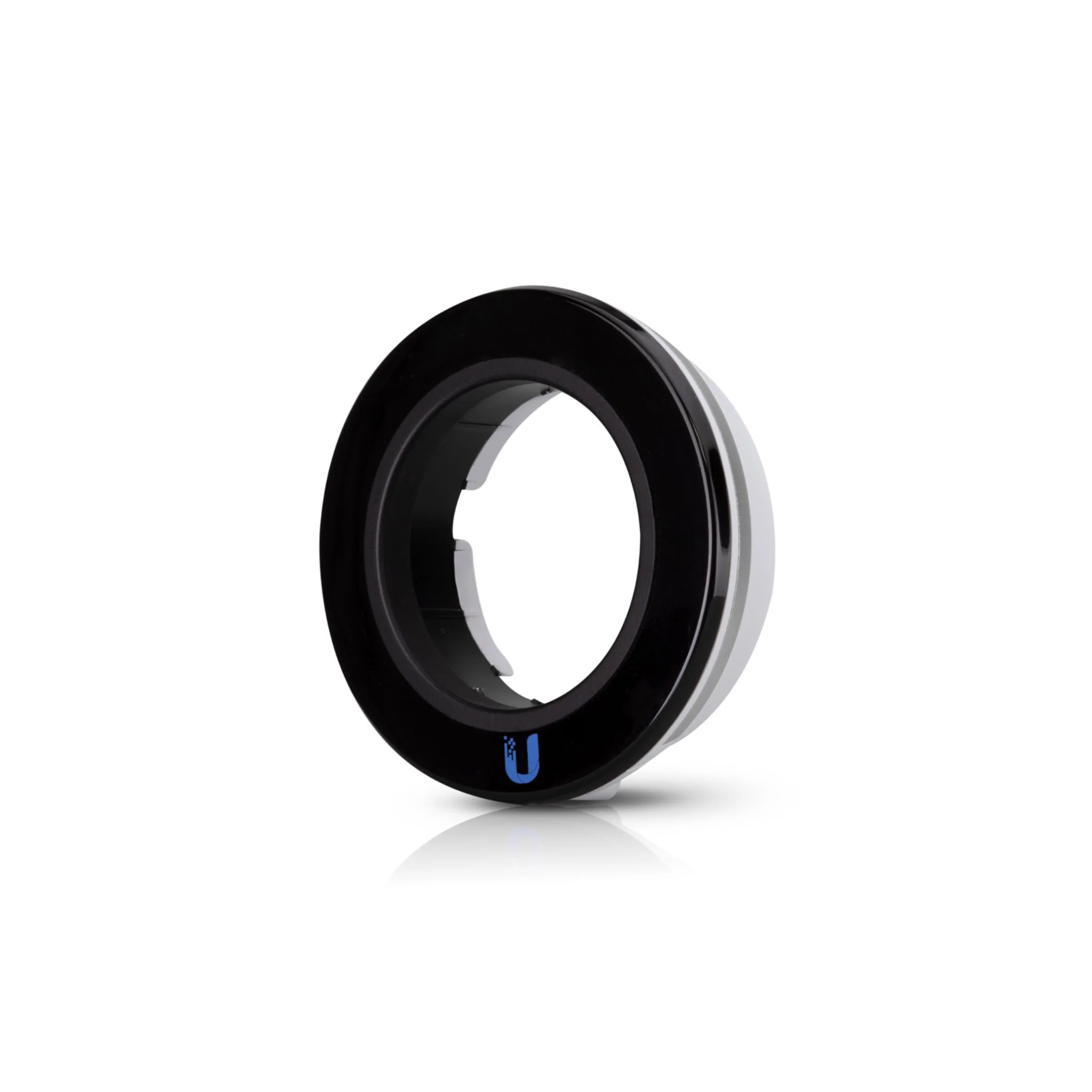
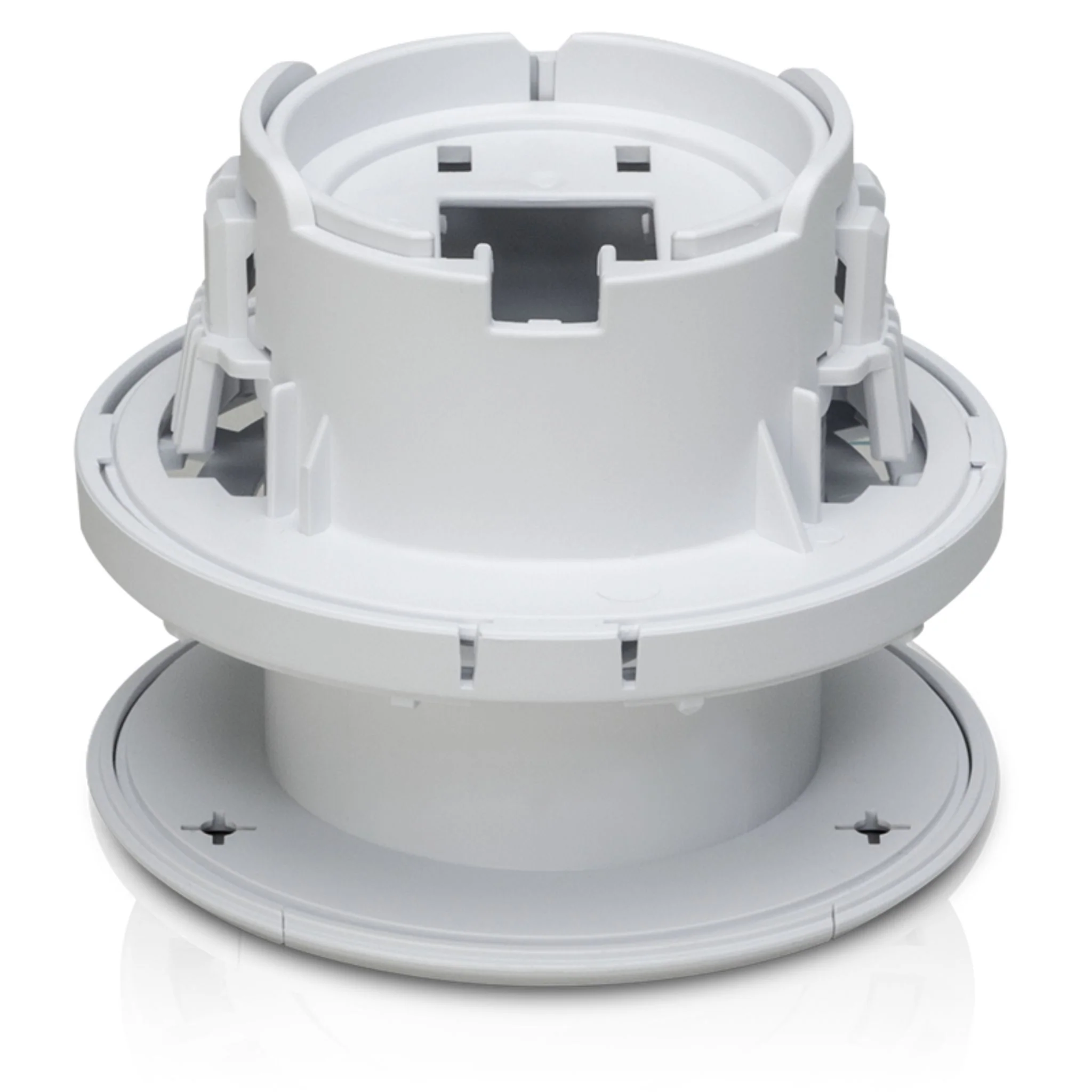
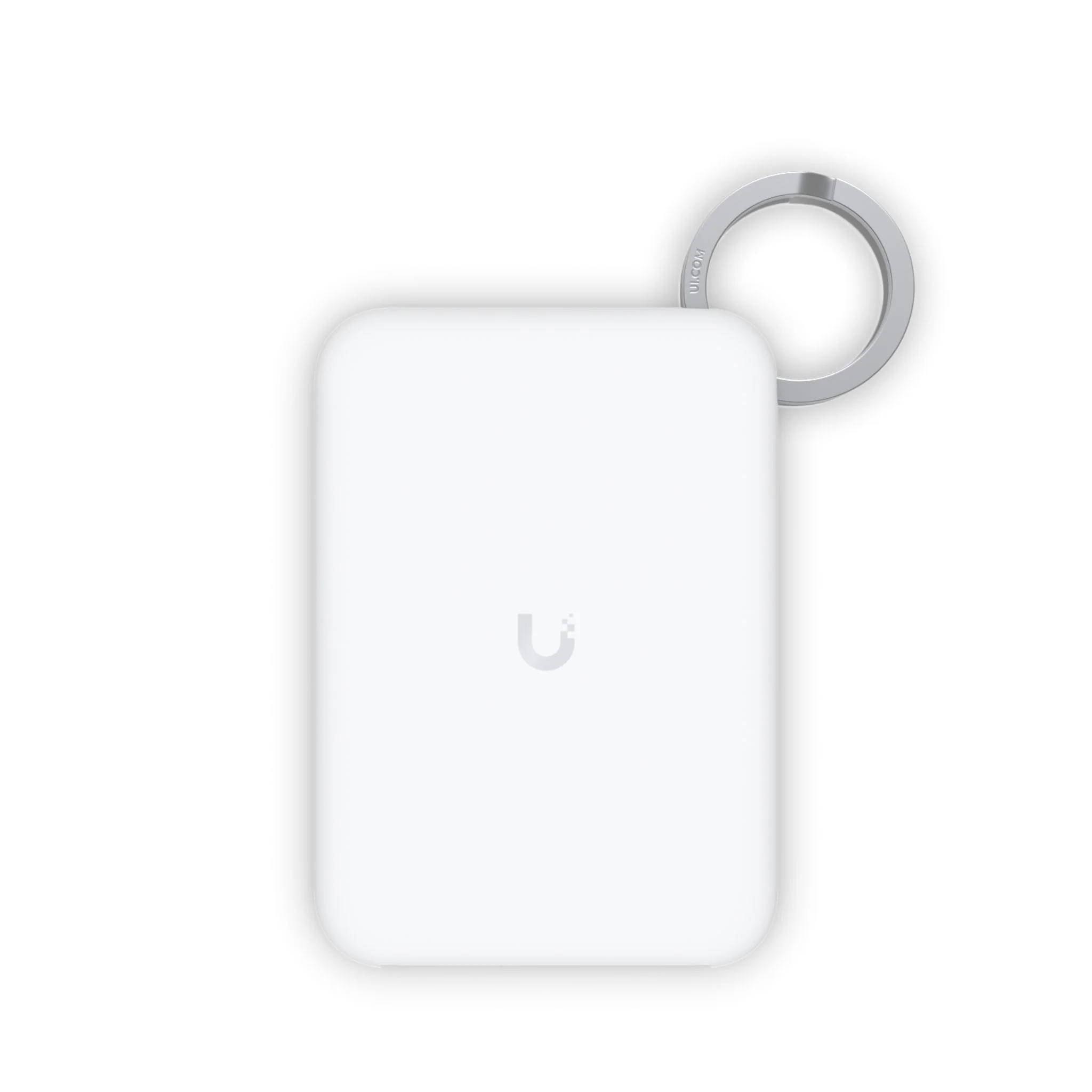
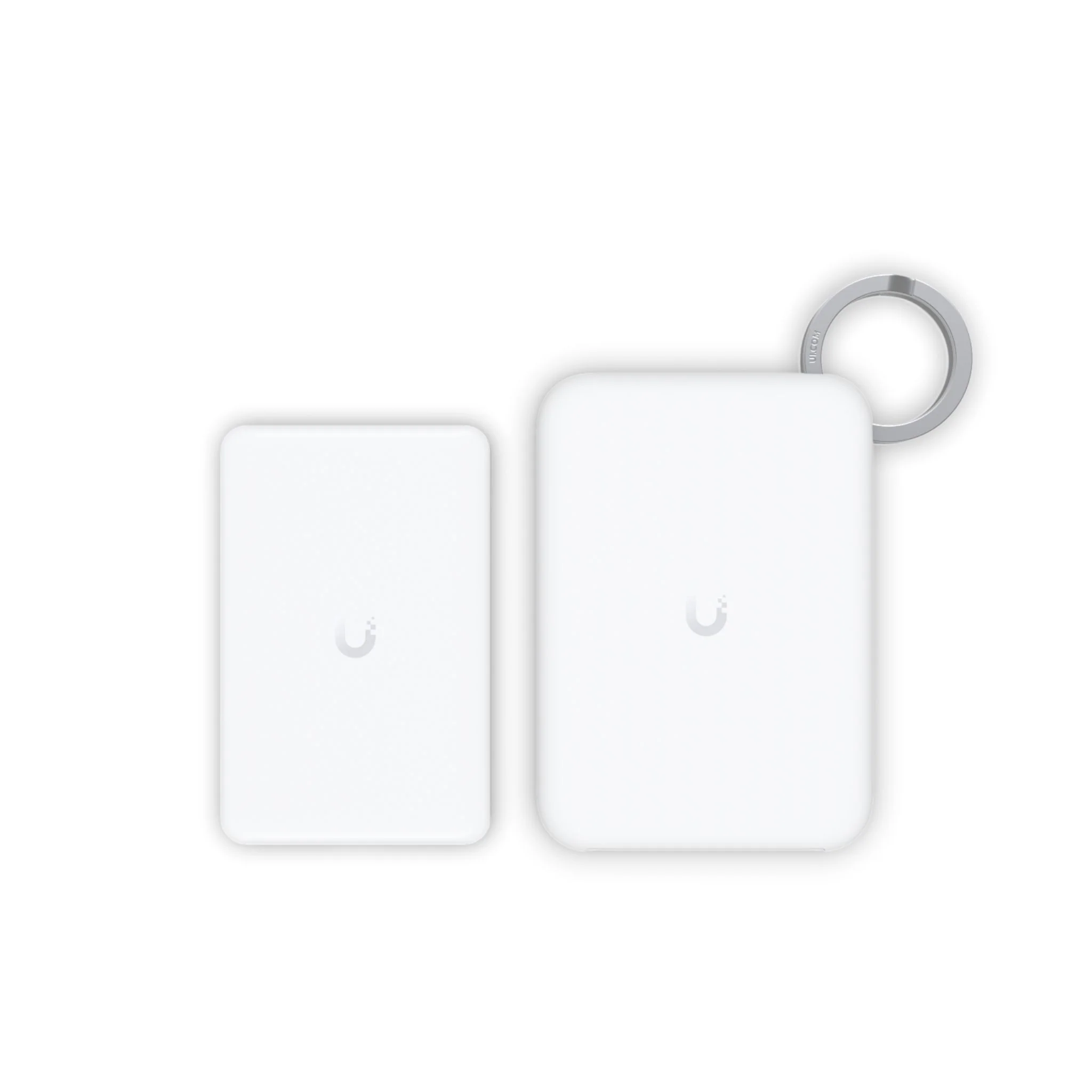
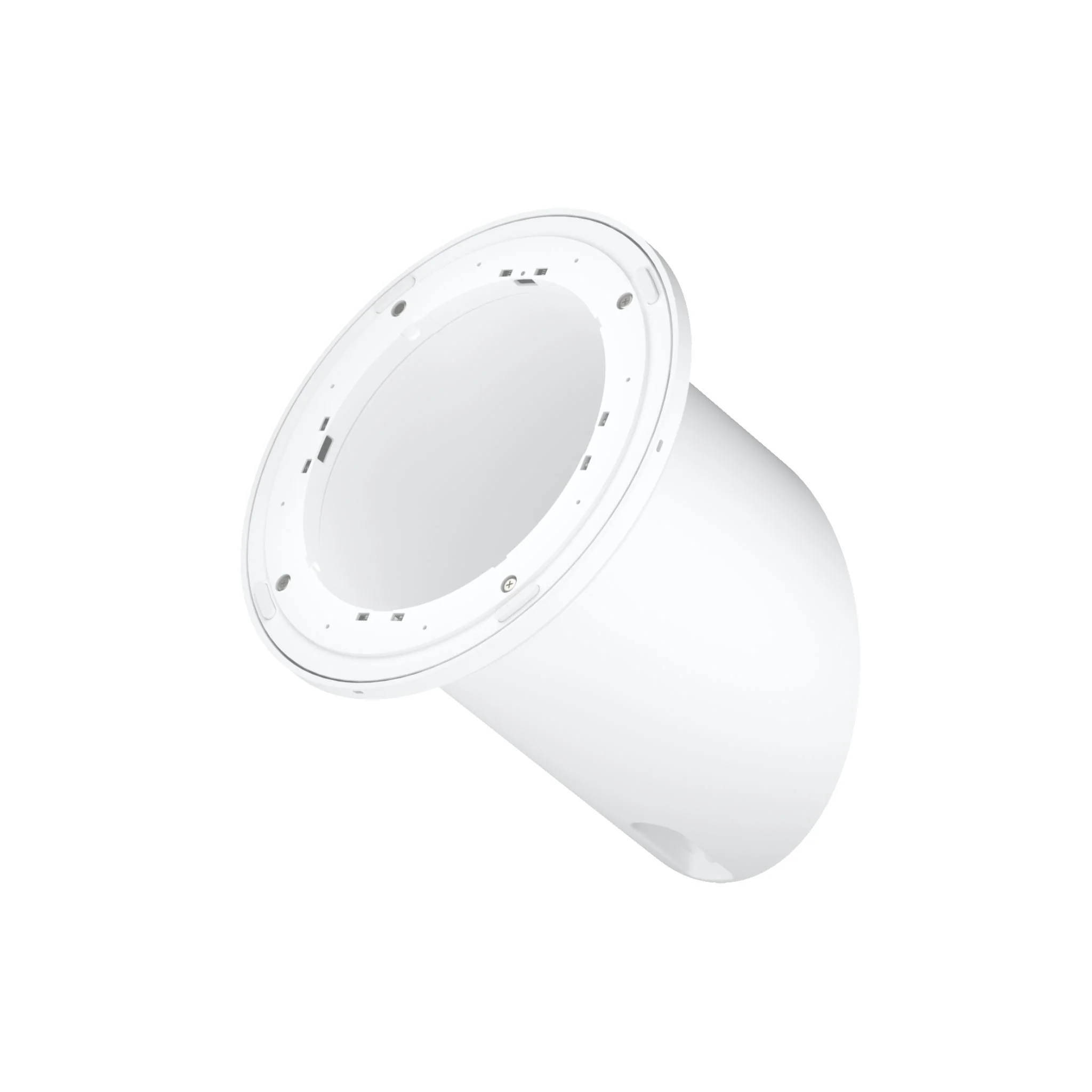
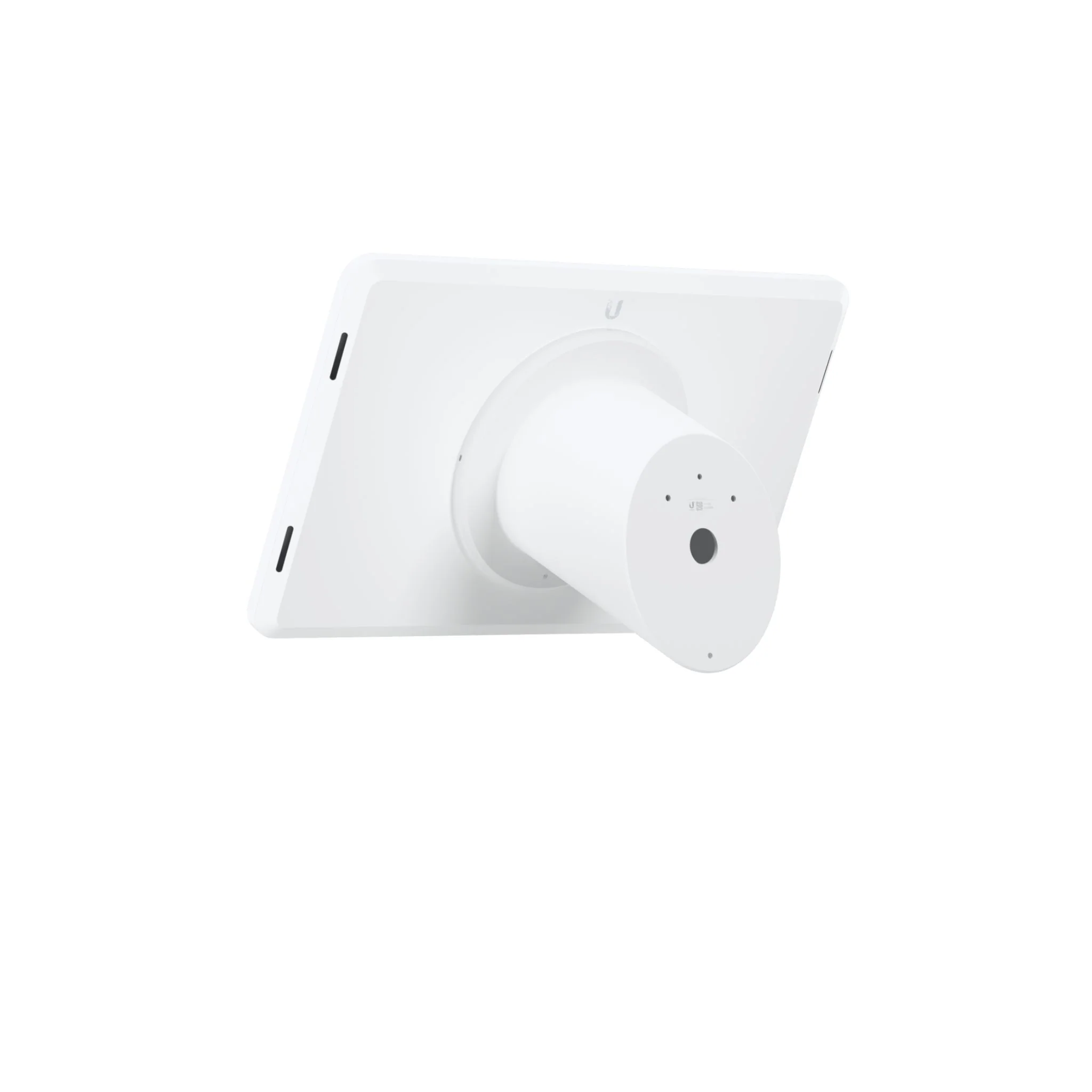
The UniFi Display Surface Mount is a sleek, fixed-angle wall mount designed for the UniFi Connect Display. It supports both landscape and portrait orientations, providing a clean and professional installation for offices, meeting rooms, and customer-facing environments.
With a 60° fixed presentation angle, the Surface Mount ensures optimal screen visibility. Magnetic connectors allow for quick snap-on installation, while the included security screw kit provides added stability and protection.
Built for simplicity and reliability, it’s the perfect choice for securely showcasing UniFi Connect Displays in commercial or enterprise spaces.
Tech Specs
| Device Specifications | |
|---|---|
| Mechanical | |
| Dimensions | Ø233 x 234.2 mm (9.17 x 9.22") |
| Weight | 2.1 kg (4.6 lb) |
| Enclosure Material | Aluminum |
FAQs
Q: What is the Ubiquiti UACC-Display-SM used for?
A: The UACC-Display-SM is a display module designed to provide visual indicators for Ubiquiti devices, making it easier to monitor device status and performance.
Q: Which devices are compatible with the UACC-Display-SM?
A: It is compatible with select Ubiquiti devices that support display modules, including certain switches, access points, and networking hardware.
Q: Does the UACC-Display-SM show network status?
A: Yes, it provides status indicators such as power, connectivity, and signal strength, allowing quick visual checks of network health.
Q: Is the UACC-Display-SM suitable for indoor and outdoor use?
A: It is primarily intended for indoor use within device enclosures, though devices mounted in weather-protected areas can also benefit from its display.
Q: How does the UACC-Display-SM improve network management?
A: By providing real-time visual feedback, it allows network administrators to quickly identify issues, reducing troubleshooting time and improving network reliability.
Resources
More Images
Ubiquiti UniFi Display Surface Mount
UniFi Display Surface Mount – Secure Wall Mount for UniFi Connect Display
The UniFi Display Surface Mount is a sleek, fixed-angle wall mount designed for the UniFi Connect Display. It supports both landscape and portrait orientations, providing a clean and professional installation for offices, meeting rooms, and customer-facing environments.
With a 60° fixed presentation angle, the Surface Mount ensures optimal screen visibility. Magnetic connectors allow for quick snap-on installation, while the included security screw kit provides added stability and protection.
Built for simplicity and reliability, it’s the perfect choice for securely showcasing UniFi Connect Displays in commercial or enterprise spaces.
Tech Specs
| Device Specifications | |
|---|---|
| Mechanical | |
| Dimensions | Ø233 x 234.2 mm (9.17 x 9.22") |
| Weight | 2.1 kg (4.6 lb) |
| Enclosure Material | Aluminum |
FAQs
Q: What is the Ubiquiti UACC-Display-SM used for?
A: The UACC-Display-SM is a display module designed to provide visual indicators for Ubiquiti devices, making it easier to monitor device status and performance.
Q: Which devices are compatible with the UACC-Display-SM?
A: It is compatible with select Ubiquiti devices that support display modules, including certain switches, access points, and networking hardware.
Q: Does the UACC-Display-SM show network status?
A: Yes, it provides status indicators such as power, connectivity, and signal strength, allowing quick visual checks of network health.
Q: Is the UACC-Display-SM suitable for indoor and outdoor use?
A: It is primarily intended for indoor use within device enclosures, though devices mounted in weather-protected areas can also benefit from its display.
Q: How does the UACC-Display-SM improve network management?
A: By providing real-time visual feedback, it allows network administrators to quickly identify issues, reducing troubleshooting time and improving network reliability.
Resources
Product Information
Product Information
Shipping & Returns
Shipping & Returns
Description
UniFi Display Surface Mount – Secure Wall Mount for UniFi Connect Display
The UniFi Display Surface Mount is a sleek, fixed-angle wall mount designed for the UniFi Connect Display. It supports both landscape and portrait orientations, providing a clean and professional installation for offices, meeting rooms, and customer-facing environments.
With a 60° fixed presentation angle, the Surface Mount ensures optimal screen visibility. Magnetic connectors allow for quick snap-on installation, while the included security screw kit provides added stability and protection.
Built for simplicity and reliability, it’s the perfect choice for securely showcasing UniFi Connect Displays in commercial or enterprise spaces.
Tech Specs
| Device Specifications | |
|---|---|
| Mechanical | |
| Dimensions | Ø233 x 234.2 mm (9.17 x 9.22") |
| Weight | 2.1 kg (4.6 lb) |
| Enclosure Material | Aluminum |
FAQs
Q: What is the Ubiquiti UACC-Display-SM used for?
A: The UACC-Display-SM is a display module designed to provide visual indicators for Ubiquiti devices, making it easier to monitor device status and performance.
Q: Which devices are compatible with the UACC-Display-SM?
A: It is compatible with select Ubiquiti devices that support display modules, including certain switches, access points, and networking hardware.
Q: Does the UACC-Display-SM show network status?
A: Yes, it provides status indicators such as power, connectivity, and signal strength, allowing quick visual checks of network health.
Q: Is the UACC-Display-SM suitable for indoor and outdoor use?
A: It is primarily intended for indoor use within device enclosures, though devices mounted in weather-protected areas can also benefit from its display.
Q: How does the UACC-Display-SM improve network management?
A: By providing real-time visual feedback, it allows network administrators to quickly identify issues, reducing troubleshooting time and improving network reliability.