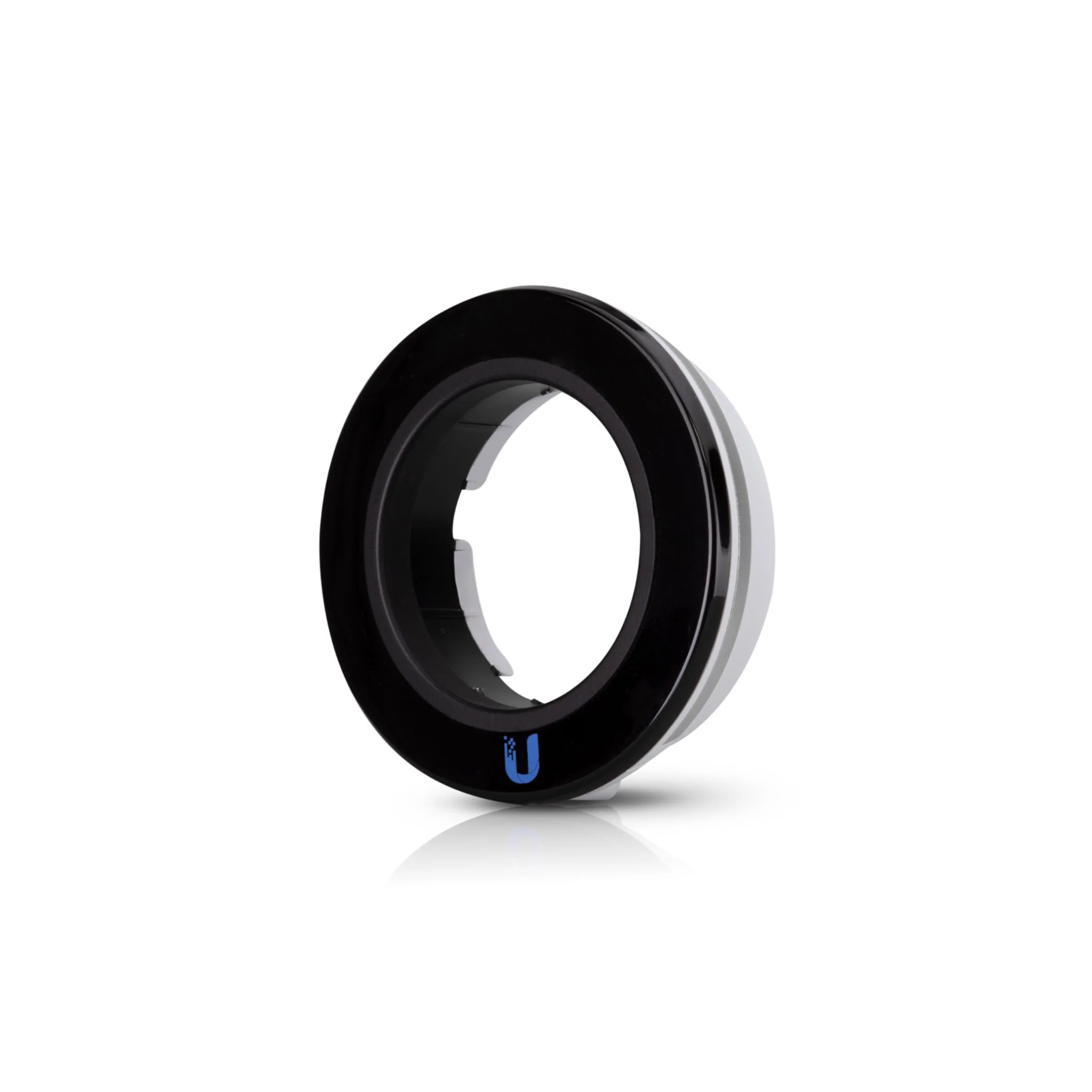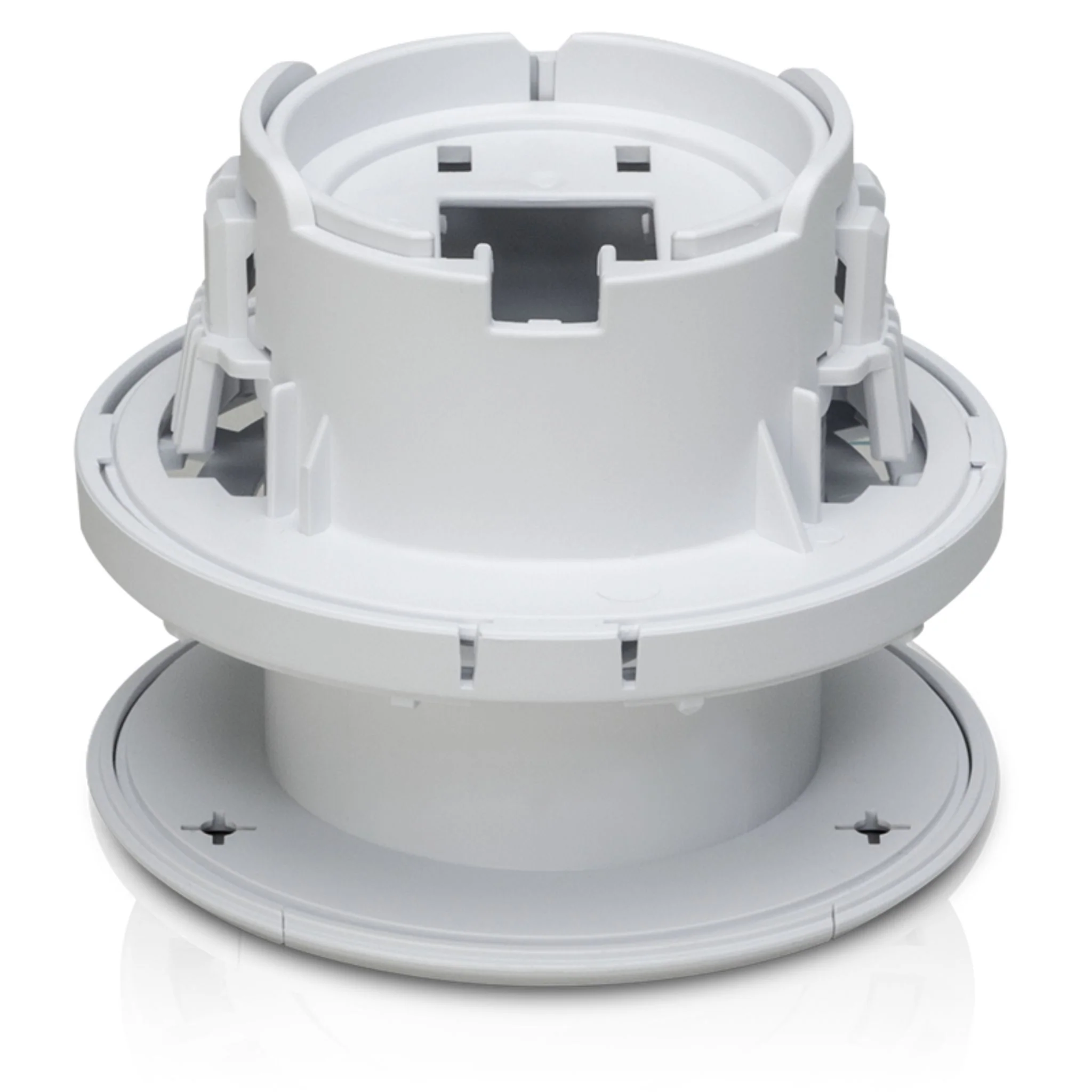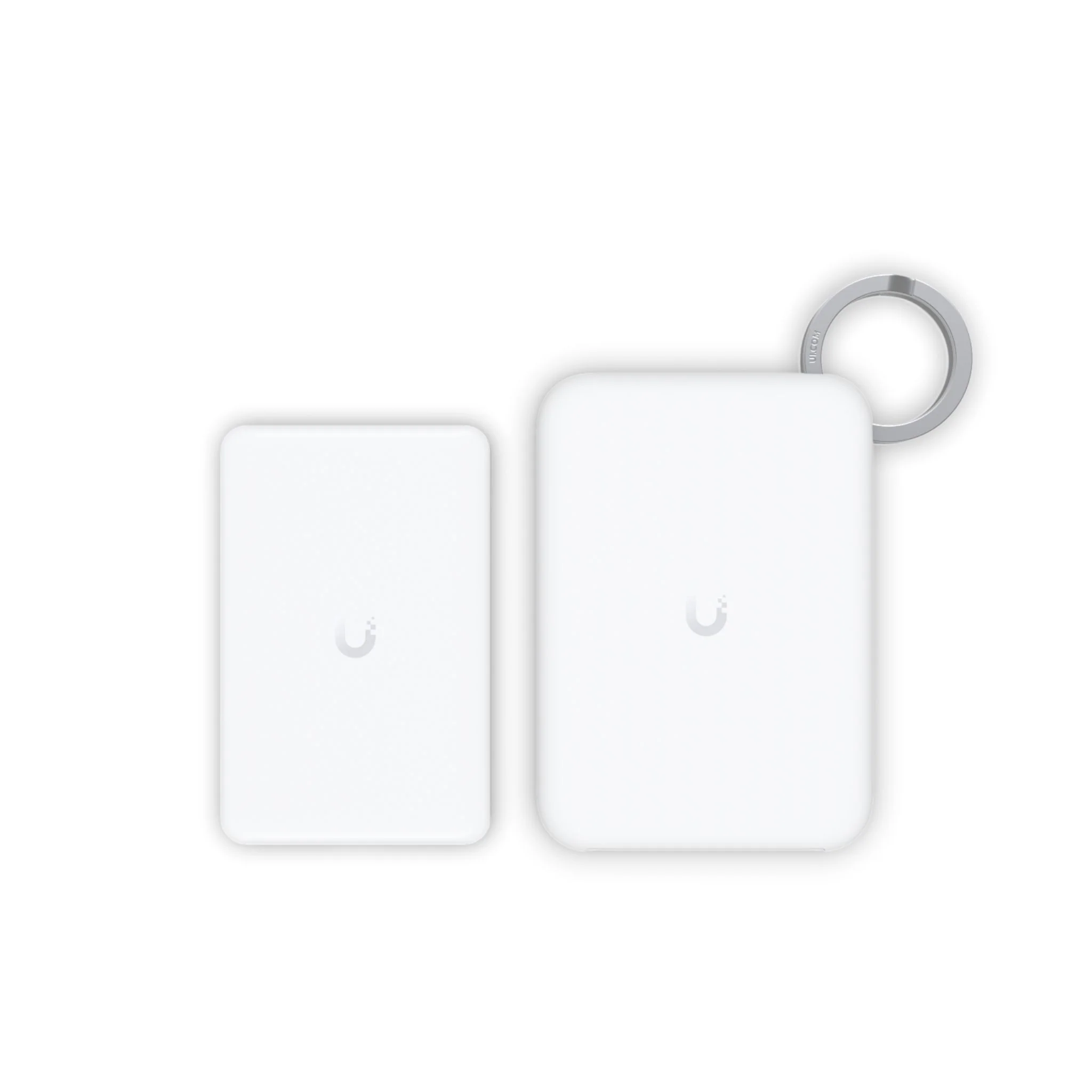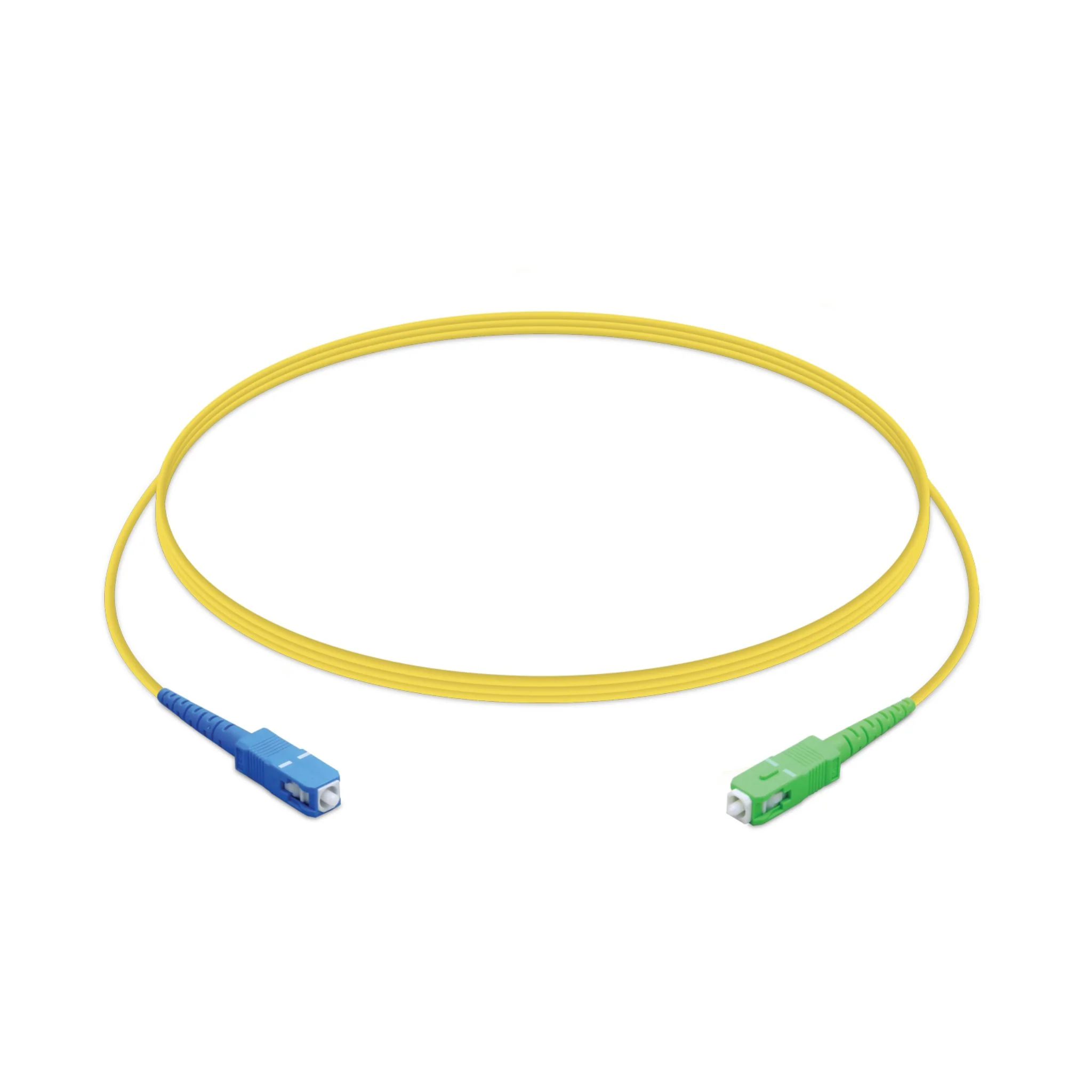
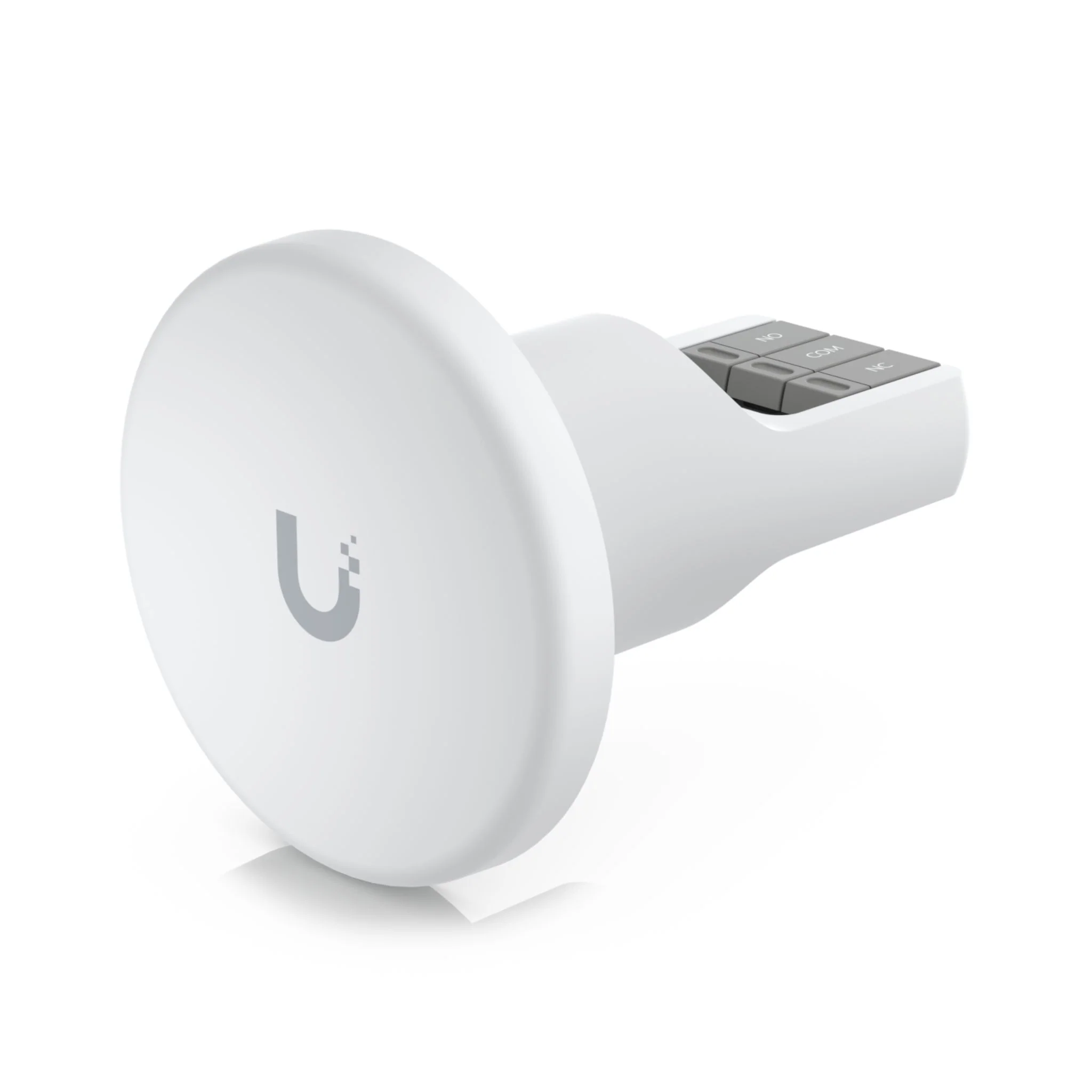
Ubiquiti UniFi Access Rescue KeySwitch
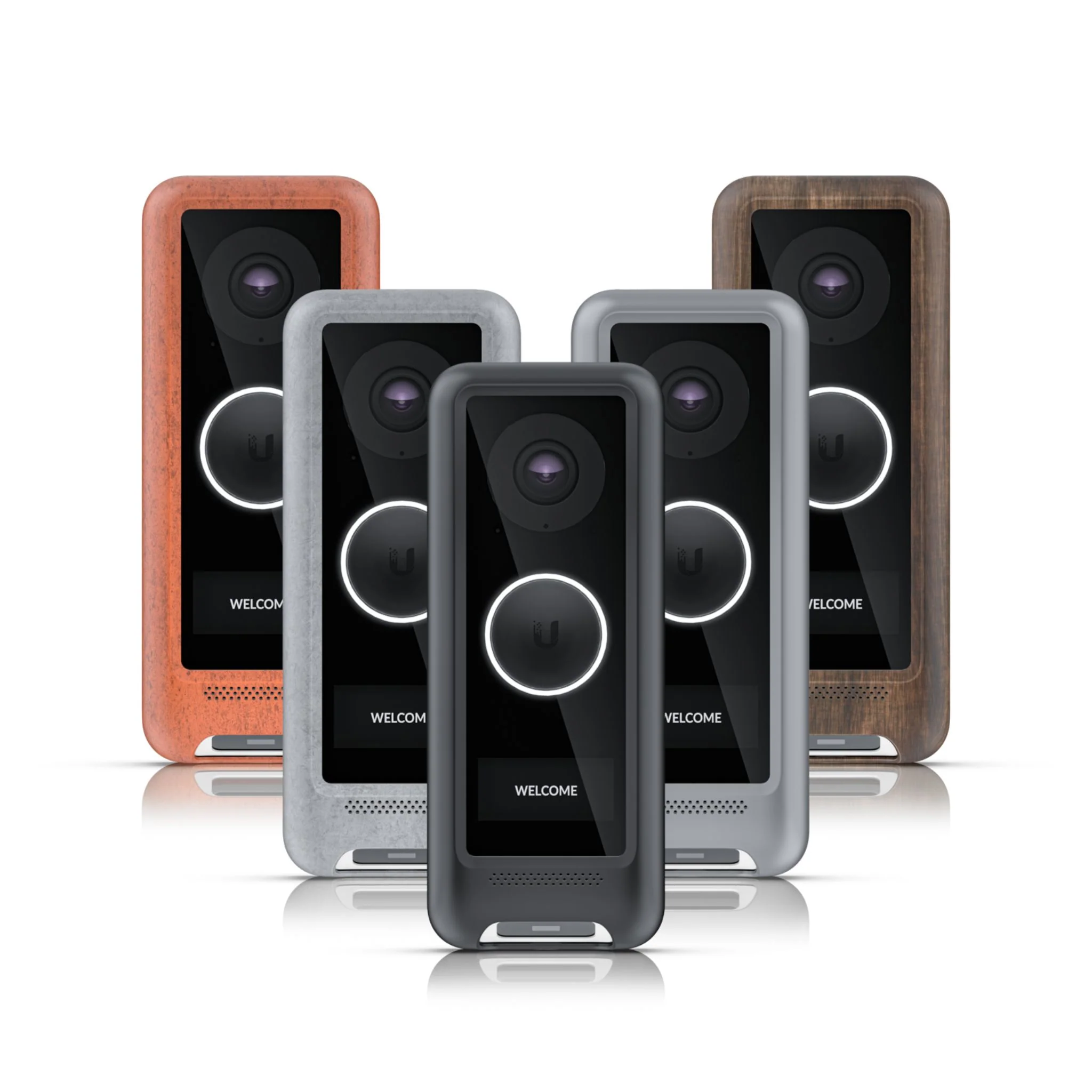
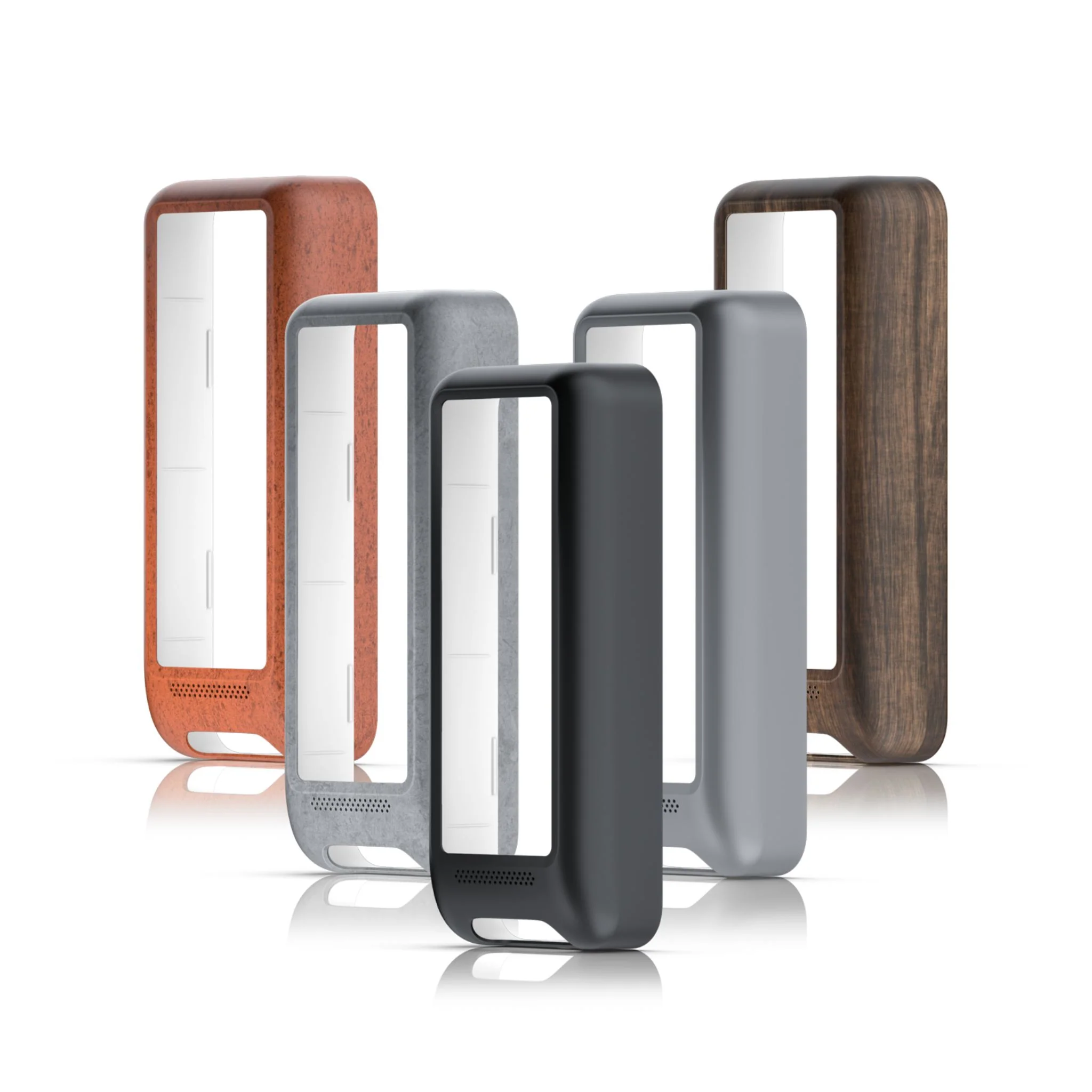
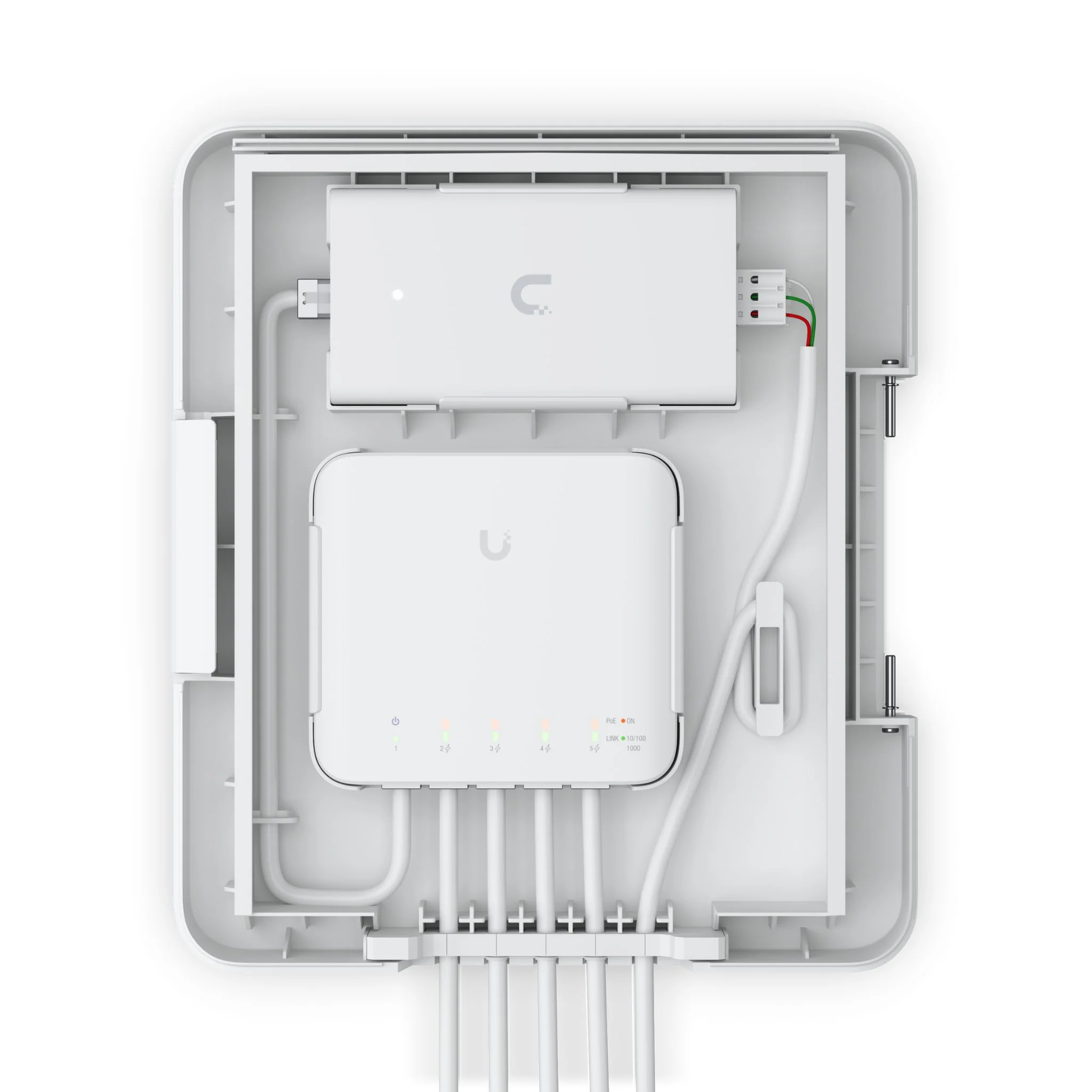
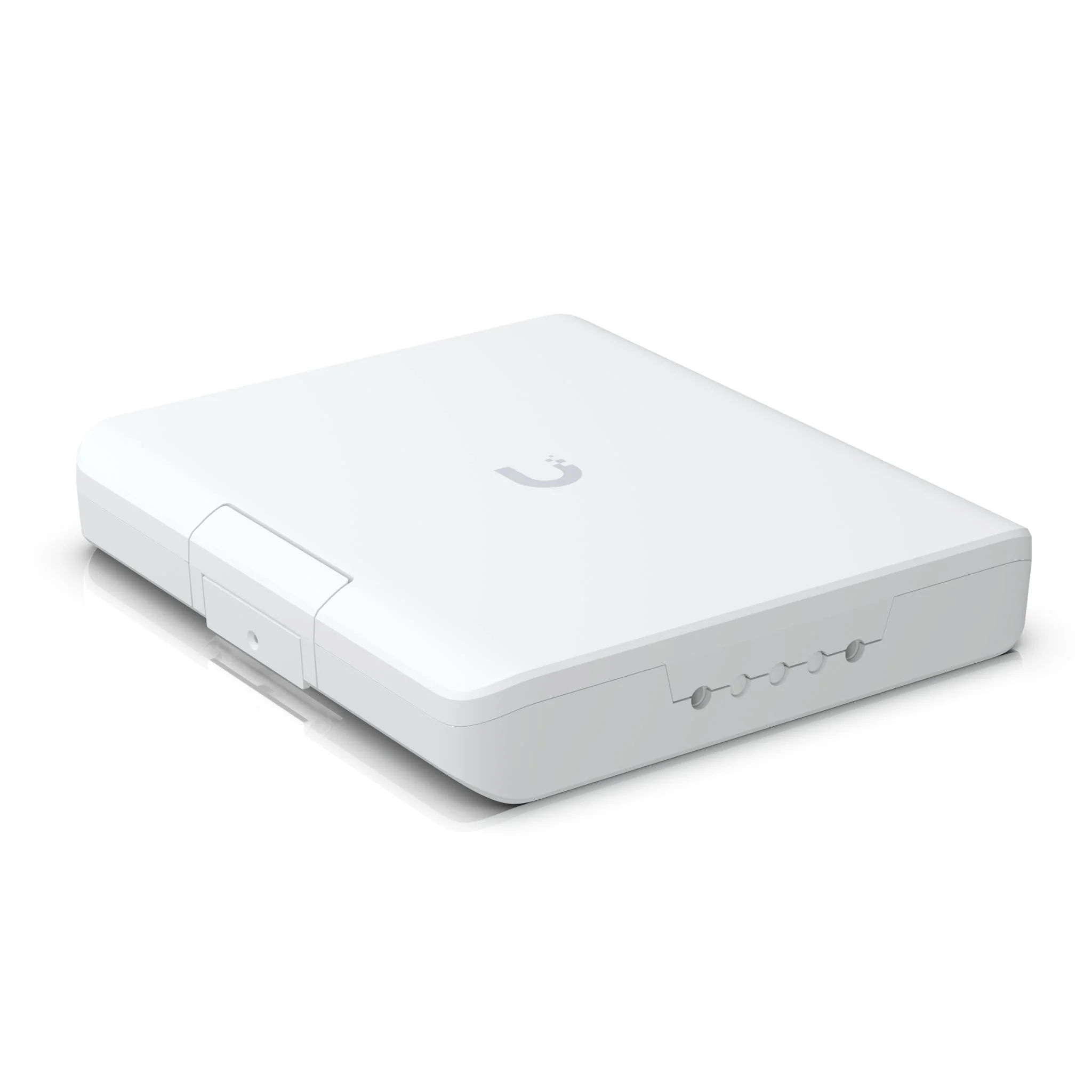
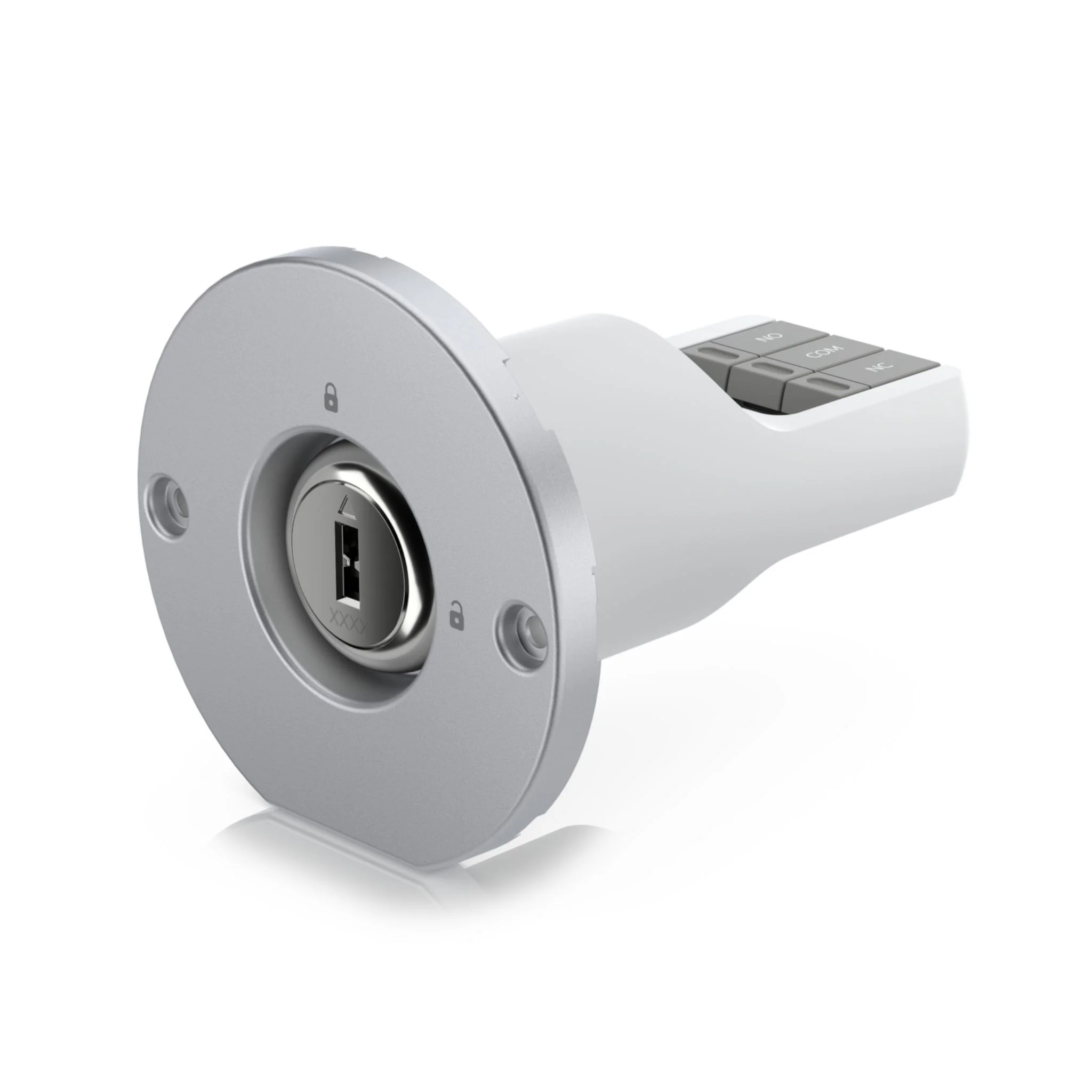
The Ubiquiti Access Rescue KeySwitch includes two physical keys and a manual unlock port for emergency overrides on your Access Hub. It also serves as a backup entry option for malfunctioning fail-safe or secure lock systems, although it does not provide redundant power for fail-secure systems.
Tech Specs
Click here for the UniFi Access Rescue KeySwitch datasheet.
| Device Specifications | |
|---|---|
| Mechanical | |
| Dimensions | Ø60 x 74 mm (Ø2.4 x 2.9") |
| Weight | 94 g (3.3 oz) |
| Enclosure Material | Polycarbonate |
| Hardware | |
| Key Switch | Brass internal wave key, 28V DC, 4A |
| Terminal Block | COM/NO/NC 18-24 AWG |
| Ambient Operating Temperature | -30 to 65° C (-22 to 149° F) |
| Ambient Storage Temperature | -40 to 85° C (-40 to 185° F) |
| Ambient Operating Humidity | 5 to 95% noncondensing |
| NDAA Compliant | ✓ |
| Certifications | FCC, IC, CE |
FAQs
Q1: What is the Ubiquiti UA-Rescue used for?
A1: The UA-Rescue is a recovery tool designed to restore Ubiquiti devices to their factory firmware in case of failure or misconfiguration.
Q2: Which devices are compatible with the Ubiquiti UA-Rescue?
A2: It is compatible with a range of Ubiquiti devices, including UniFi access points, switches, and other network equipment requiring firmware recovery.
Q3: How does the Ubiquiti UA-Rescue work?
A3: The tool connects to the Ubiquiti device via USB or network interface and uses recovery software to reinstall the device firmware safely.
Q4: Is the Ubiquiti UA-Rescue easy to use?
A4: Yes, it is designed for straightforward use, allowing network administrators to recover devices quickly without complex procedures.
Q5: Does the Ubiquiti UA-Rescue affect existing device configurations?
A5: Yes, using the UA-Rescue restores the device to factory settings, so all previous configurations will be erased and need to be reapplied.
Resources
More Images
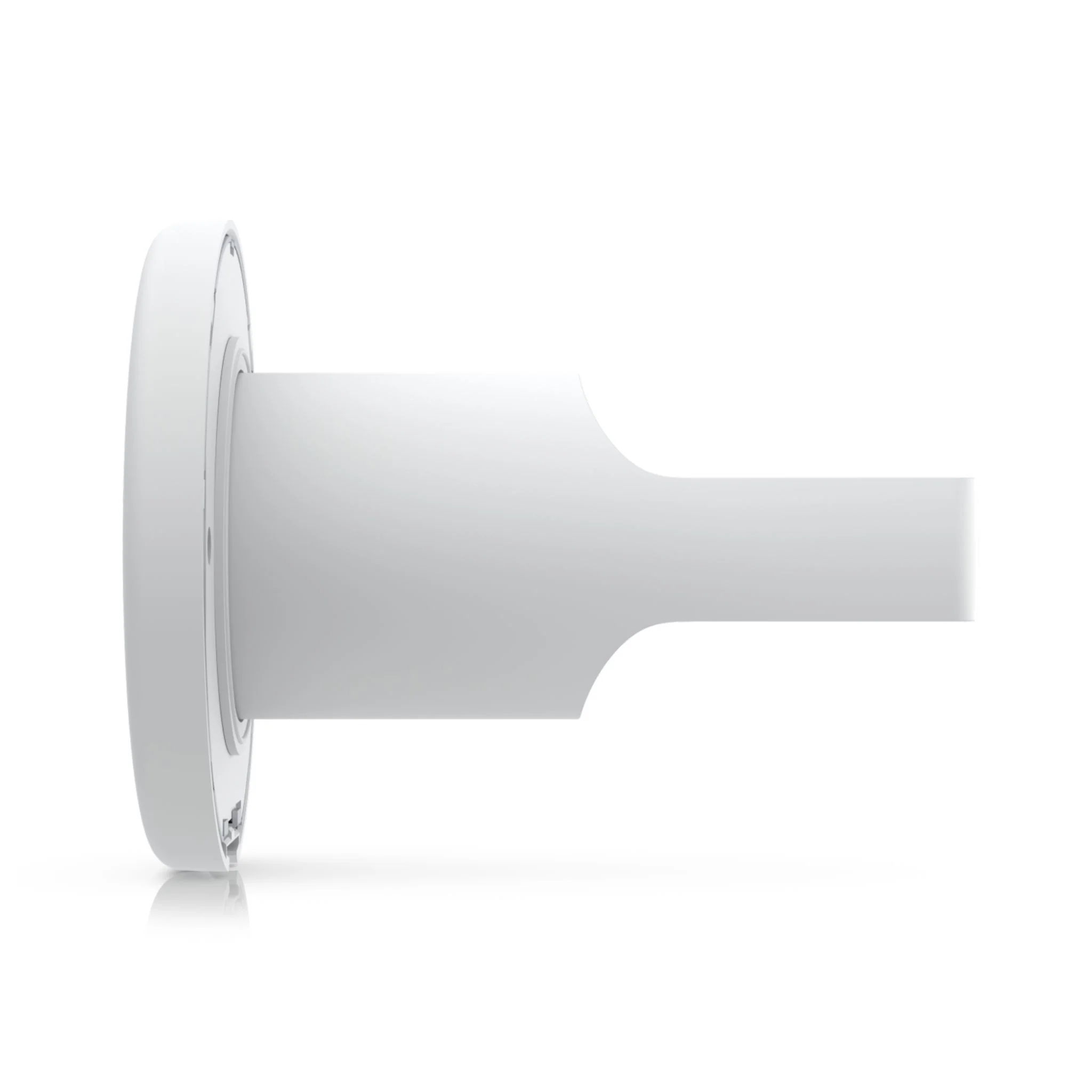
Ubiquiti UniFi Access Rescue KeySwitch
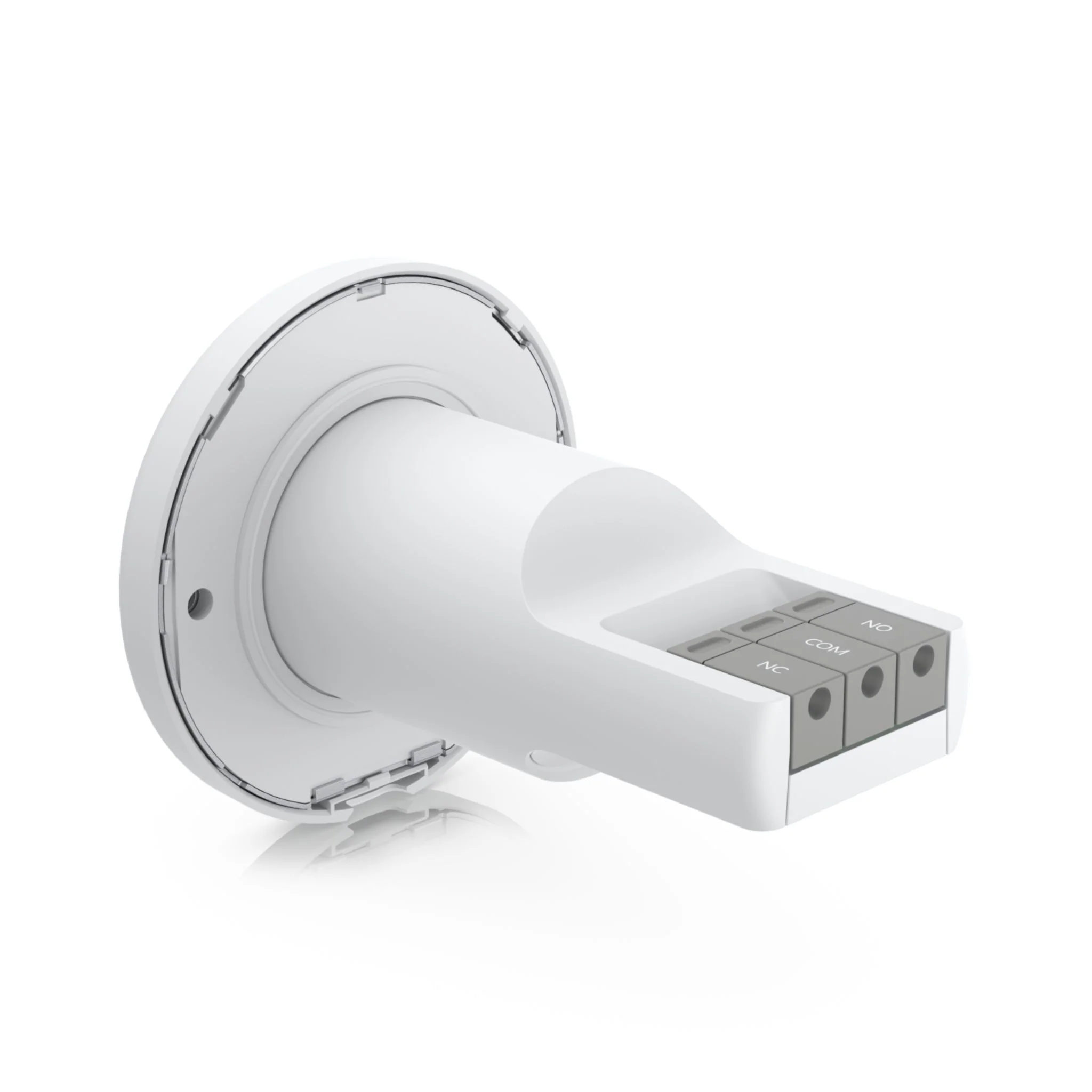
The Ubiquiti Access Rescue KeySwitch includes two physical keys and a manual unlock port for emergency overrides on your Access Hub. It also serves as a backup entry option for malfunctioning fail-safe or secure lock systems, although it does not provide redundant power for fail-secure systems.
Tech Specs
Click here for the UniFi Access Rescue KeySwitch datasheet.
| Device Specifications | |
|---|---|
| Mechanical | |
| Dimensions | Ø60 x 74 mm (Ø2.4 x 2.9") |
| Weight | 94 g (3.3 oz) |
| Enclosure Material | Polycarbonate |
| Hardware | |
| Key Switch | Brass internal wave key, 28V DC, 4A |
| Terminal Block | COM/NO/NC 18-24 AWG |
| Ambient Operating Temperature | -30 to 65° C (-22 to 149° F) |
| Ambient Storage Temperature | -40 to 85° C (-40 to 185° F) |
| Ambient Operating Humidity | 5 to 95% noncondensing |
| NDAA Compliant | ✓ |
| Certifications | FCC, IC, CE |
FAQs
Q1: What is the Ubiquiti UA-Rescue used for?
A1: The UA-Rescue is a recovery tool designed to restore Ubiquiti devices to their factory firmware in case of failure or misconfiguration.
Q2: Which devices are compatible with the Ubiquiti UA-Rescue?
A2: It is compatible with a range of Ubiquiti devices, including UniFi access points, switches, and other network equipment requiring firmware recovery.
Q3: How does the Ubiquiti UA-Rescue work?
A3: The tool connects to the Ubiquiti device via USB or network interface and uses recovery software to reinstall the device firmware safely.
Q4: Is the Ubiquiti UA-Rescue easy to use?
A4: Yes, it is designed for straightforward use, allowing network administrators to recover devices quickly without complex procedures.
Q5: Does the Ubiquiti UA-Rescue affect existing device configurations?
A5: Yes, using the UA-Rescue restores the device to factory settings, so all previous configurations will be erased and need to be reapplied.
Resources
Product Information
Product Information
Shipping & Returns
Shipping & Returns
Description
The Ubiquiti Access Rescue KeySwitch includes two physical keys and a manual unlock port for emergency overrides on your Access Hub. It also serves as a backup entry option for malfunctioning fail-safe or secure lock systems, although it does not provide redundant power for fail-secure systems.
Tech Specs
Click here for the UniFi Access Rescue KeySwitch datasheet.
| Device Specifications | |
|---|---|
| Mechanical | |
| Dimensions | Ø60 x 74 mm (Ø2.4 x 2.9") |
| Weight | 94 g (3.3 oz) |
| Enclosure Material | Polycarbonate |
| Hardware | |
| Key Switch | Brass internal wave key, 28V DC, 4A |
| Terminal Block | COM/NO/NC 18-24 AWG |
| Ambient Operating Temperature | -30 to 65° C (-22 to 149° F) |
| Ambient Storage Temperature | -40 to 85° C (-40 to 185° F) |
| Ambient Operating Humidity | 5 to 95% noncondensing |
| NDAA Compliant | ✓ |
| Certifications | FCC, IC, CE |
FAQs
Q1: What is the Ubiquiti UA-Rescue used for?
A1: The UA-Rescue is a recovery tool designed to restore Ubiquiti devices to their factory firmware in case of failure or misconfiguration.
Q2: Which devices are compatible with the Ubiquiti UA-Rescue?
A2: It is compatible with a range of Ubiquiti devices, including UniFi access points, switches, and other network equipment requiring firmware recovery.
Q3: How does the Ubiquiti UA-Rescue work?
A3: The tool connects to the Ubiquiti device via USB or network interface and uses recovery software to reinstall the device firmware safely.
Q4: Is the Ubiquiti UA-Rescue easy to use?
A4: Yes, it is designed for straightforward use, allowing network administrators to recover devices quickly without complex procedures.
Q5: Does the Ubiquiti UA-Rescue affect existing device configurations?
A5: Yes, using the UA-Rescue restores the device to factory settings, so all previous configurations will be erased and need to be reapplied.